
For most of the history of API documentation, the audience could be assumed. APIs were for developers. The documentation was written by developers, for developers, in the language and conventions of developers. A reader who could not parse a code sample or read a JSON response was not the intended audience, and the docs did not need to accommodate them.
That assumption is breaking down, especially in geospatial work. GIS APIs are increasingly being consumed by people who do not write code for a living. Analysts using low-code tools to pull data into dashboards. Planners using spreadsheet integrations to query authoritative datasets. None of these users are developers. All of them are now reading API documentation, or trying to, and finding that the documentation does not quite work for them.
The instinct, when you notice this, is to write a “non-technical” version of the docs that strips out the code and explains everything in plain language. That instinct produces documentation that is unhelpful to everyone. The real challenge is to write API documentation that serves both audiences without patronising either. It is harder than it sounds, and it is the direction documentation is increasingly being pulled.
Who the new audience actually is
The first thing worth understanding is that the new API audience is not “people who do not understand technology.” They are competent professionals who happen not to have programming as a skill. A planner who can run a complex multi-criteria analysis in QGIS is not a beginner. A financial analyst who builds models in Excel that drive multimillion-dollar decisions is not non-technical. They are highly technical in domains the API documentation was not written for.
What they share is a particular relationship to APIs. They do not write code. They use tools — Power BI, Tableau, FME, Alteryx, Make, Zapier — that allow them to consume APIs through interfaces designed for non-programmers. The tools handle the HTTP requests, the authentication, and the response parsing. The user is configuring connections, mapping fields, and choosing parameters.
This changes what they need from the documentation. They are not looking for a curl command they can paste into a terminal. They are looking for the endpoints available, the parameters each one accepts, the structure of the response, and — critically — the meaning of the data they will get back. They are reading API docs the way a researcher reads a data dictionary: to understand what the data is and how to ask for the slice they need.
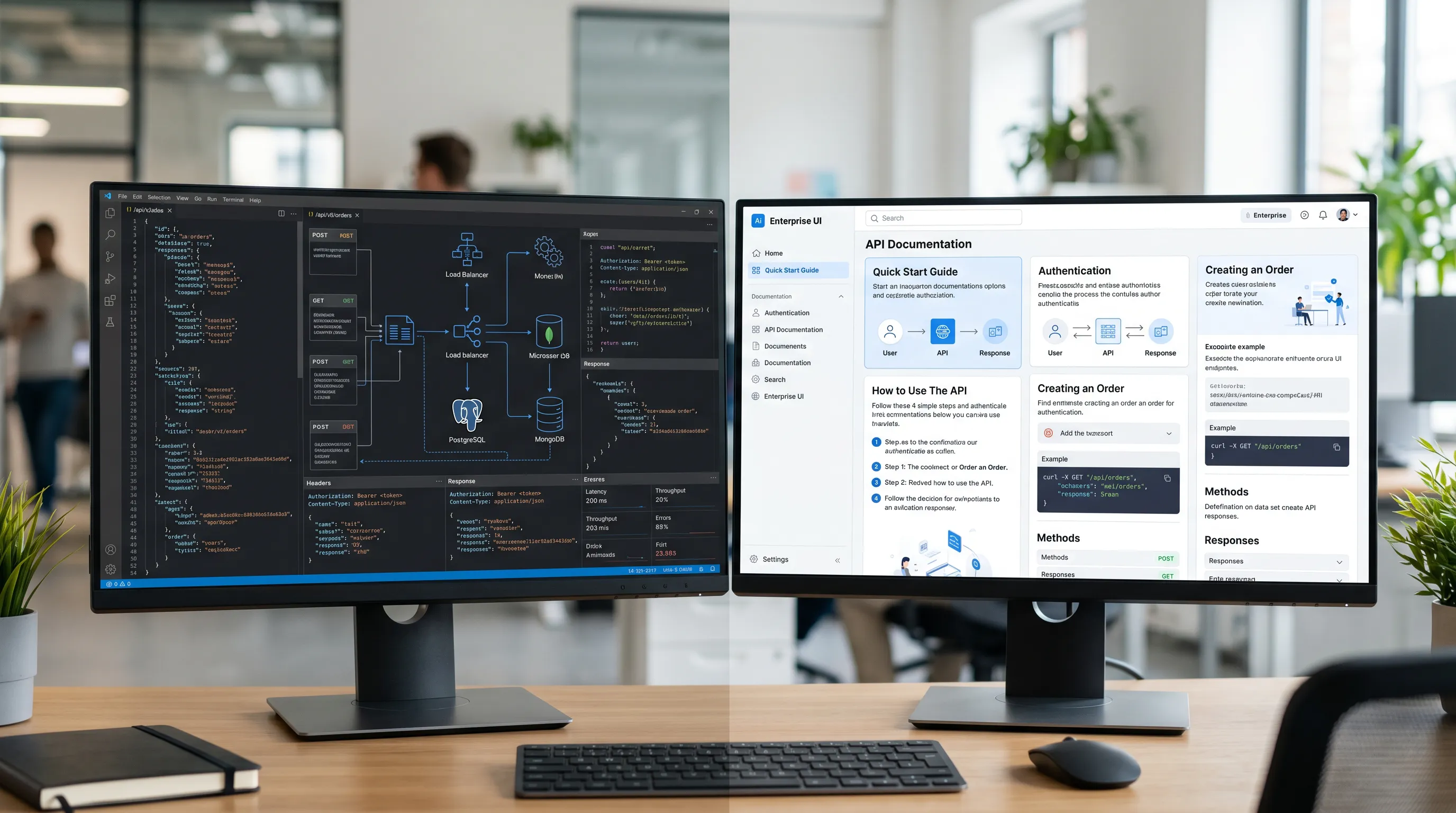
What the existing documentation gets wrong
API documentation written for developers tends to make a few assumptions that fail for the non-coding audience.
It assumes the reader knows what HTTP methods are. The distinction between GET, POST, PUT, and DELETE is second nature to a developer and meaningless to a planner using a no-code tool that handles the method choice automatically. Documentation that organises endpoints by method, or uses method names in headings, immediately signals that the reader is the wrong reader.
It assumes the reader is comfortable parsing code samples. Most API docs lean heavily on code blocks — request examples in curl, response examples in raw JSON. To a developer, these are the most efficient way to convey the information. To a non-coding analyst, they are walls of unfamiliar syntax that have to be decoded before any meaning can be extracted.
It assumes the reader will read sequentially. Developer documentation is often structured like a reference book, with a small amount of overview at the start and dense per-endpoint reference for the rest. A developer skims the overview and dives into the reference. A non-coding user needs more context before the reference makes sense, and tends to give up if it does not arrive in the first few pages.
It treats the data structure as self-explanatory. A developer reading a JSON response showing geometry fields knows what it is looking at. A non-coding user sees a field called “geometry” and has questions: what does it represent? What coordinate system? What do the coordinates mean? The documentation rarely answers.
What both audiences actually need
The useful starting point is to notice that both audiences need the same things in roughly the same order. They differ in how those things should be presented, not in what they are.
Both need to understand what the API is for. What problem it solves, what data it offers, what use cases it supports. This is the overview that developer docs tend to compress into a paragraph. Non-coding users benefit from a longer version, with examples drawn from realistic use cases. Developers do not lose anything by reading the longer version, because it is at the start and they can skim past it.
Both need to understand the structure of the data. What entities exist, how they relate, what fields they have, what those fields mean. This is the part most developer documentation skimps on, because the data structure feels self-evident to the people who designed it. It is the part non-coding users need the most explicitly described, with realistic field-level descriptions, units, allowed values, and examples of what each field looks like in practice.
Both need to understand how to make requests. Developers want endpoints, parameters, methods, and authentication. Non-coding users need the same information, but framed around “how do I ask for X” rather than “here is endpoint Y.” The same content reorganised by question rather than by endpoint serves both audiences.
Both need to understand how to interpret responses. Developers want the schema. Non-coding users want a worked example with annotations explaining what each part means. Providing both serves both audiences.

The structural pattern that works
A documentation structure that serves both audiences tends to look something like this.
A long opening section, written in plain language, that explains what the API is, what data it offers, who uses it, and what kinds of questions it can answer. This section assumes no technical background and uses realistic examples from the domain. Developers skim this in a minute; non-coding users find their footing here.
A “concepts” section that defines the underlying data model. What entities exist, what they represent, how they connect, what units they use, what coordinate systems apply. This is the section that developer docs typically skip, and the section non-coding users will return to repeatedly.
A “how do I” section organised by question rather than by endpoint. “How do I find all features within a given area?” “How do I retrieve the latest data for a specific record?” “How do I get a list of available datasets?” Each question is answered with the specific endpoint, parameters, and worked example needed. The question framing helps both audiences locate the right answer.
A reference section organised by endpoint, with full parameter lists, response schemas, error codes, and code examples. This is for the developers and for the non-coding users who have learned enough to want the details. It is the part that most resembles traditional API documentation.
Worked examples throughout, with realistic data, plain-language explanations of what each example shows, and notes about common variations. Examples carry both audiences in a way that pure reference cannot.
What to avoid
The most common mistake when expanding API docs for a non-coding audience is to produce a “non-technical version” that lives alongside the technical version. This usually fails on both ends. The non-technical version is shallow. The technical version stays unchanged.
What works better is to integrate. One set of documentation, designed to be readable by both audiences, with the technical detail available rather than hidden, and the conceptual framing available rather than skipped. The non-coding user reads further down the page than the developer; the developer skims to the reference faster. The same document serves both.
The other common mistake is to assume the non-coding audience needs simplified content. They do not. They need accessible structure. The information itself can be exactly as precise as the developer-facing version — what changes is how it is introduced, explained, and exemplified. Simplifying the content insults the audience and starves them of the detail they actually need.
The short version
GIS APIs are increasingly being used by analysts and other non-programmers through low-code and no-code tools. API documentation written purely for developers does not serve this audience, and producing a separate non-technical version usually fails both audiences instead. The pattern that works is integrated documentation — opening with plain-language framing, building up a clear concept model, organising around the questions readers actually ask, and providing both worked examples and full reference detail. Done well, this serves the non-coding user without patronising them, and serves the developer without slowing them down. Done poorly, it produces docs that nobody quite finds useful — which is, increasingly, what most API documentation looks like.
