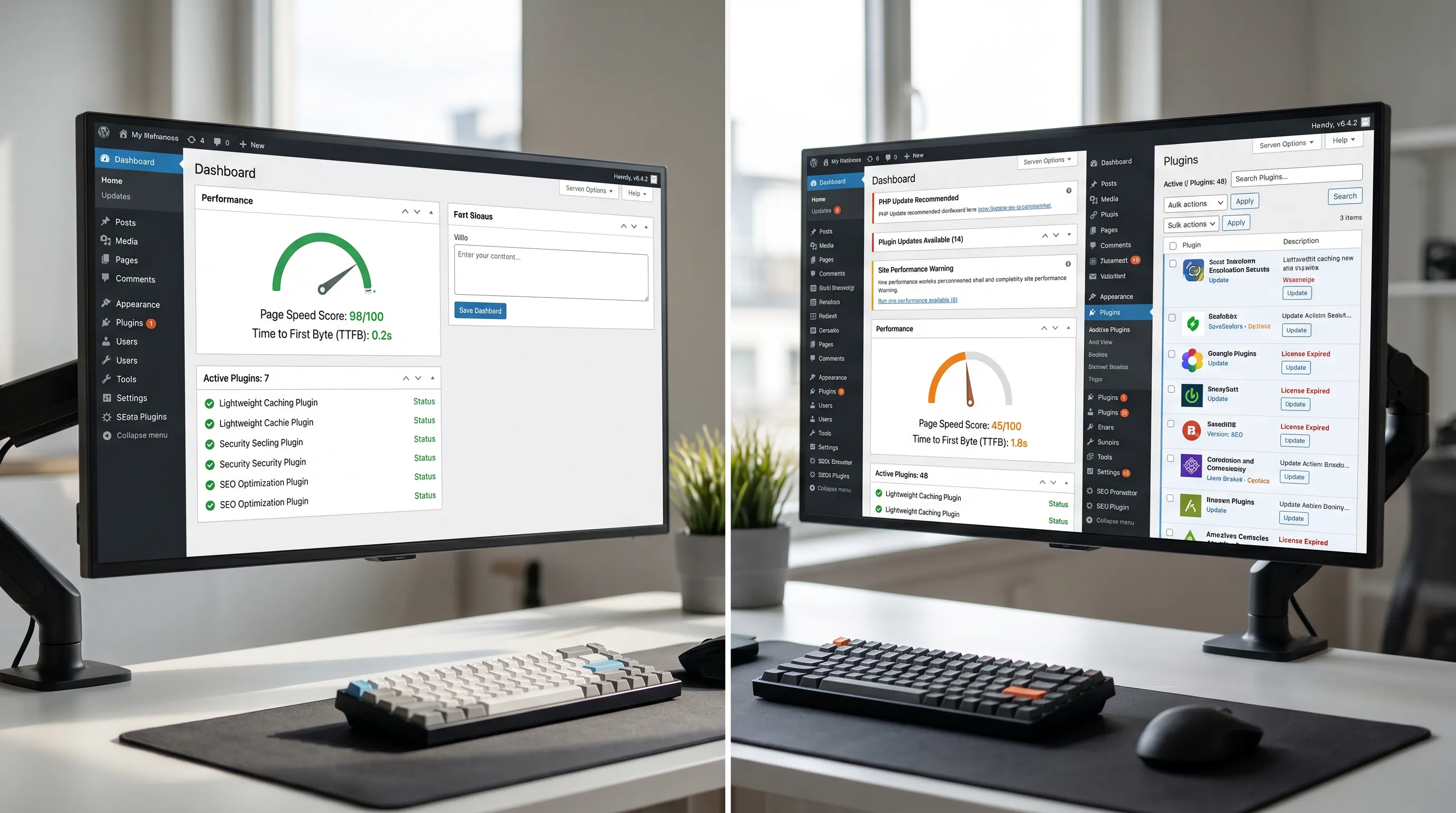
“How many plugins is too many?” is one of the most-asked questions in the WordPress world. It also turns out to be one of the least useful, because the answer everyone wants — a specific number — does not really exist. A site with forty well-built plugins can be fast and stable. A site with five badly built plugins can be slow and broken. The plugin count is not the real metric. But it points at one, and learning what that real metric is changes how you make plugin decisions.
The reason the question keeps coming up is that plugin count is the most visible thing about a WordPress site’s complexity. You can see it in seconds, in the plugins panel. The actual things that matter — what each plugin loads on each page, how well each one is written, how much overlap exists between them — take longer to assess and require expertise to interpret. So plugin count becomes the proxy.
What plugins actually add to a site
Every plugin adds some combination of four kinds of overhead. Understanding the four helps explain why two sites with the same plugin count can perform very differently. Page weight. Many plugins add CSS files, JavaScript files, fonts, or images to the front end. Plugins vary enormously in how much they add. A small functional plugin might add nothing visible. A large multipurpose plugin can add hundreds of kilobytes to every page, regardless of whether the visitor is on a page that uses the plugin’s features. Database load. Plugins typically store data in the WordPress database, often making queries on every page load. A few extra queries are usually harmless. A plugin that runs twenty queries on every page load can become a bottleneck, especially under traffic. PHP execution time. WordPress runs PHP on the server every time a page is generated. Plugins extend that PHP execution by hooking into WordPress events. A site with thirty plugins, each doing modest work on every page load, can take noticeably longer to generate a page than the same site with ten plugins. Attack surface. This is the security cost rather than the performance cost. Every plugin is a piece of third-party code with access to your site. A vulnerability in any one of them is a potential vulnerability in the whole site. More plugins, all other things equal, mean more attack surface — though this varies dramatically based on plugin quality and update frequency. The reason plugin count is a poor metric is that these four costs vary enormously across plugins. Two plugins might both count as “one plugin,” but one might add a kilobyte to the page and run no extra queries, while the other adds half a megabyte and runs a dozen. Treating them as equivalent units of complexity is misleading.The overlap problem
One of the more common patterns in plugin sprawl is that plugins overlap. Multiple plugins, each doing some part of the same job, accumulate as the site grows. A security plugin and a firewall plugin doing partially the same work. A caching plugin and a hosting provider that already does caching. Three different plugins each offering forms — one used for contact, one for newsletter signup, one inherited from an old setup that is no longer in use but never removed. Overlap is wasteful in several ways at once. It multiplies the resource cost without multiplying the benefit. It increases the maintenance burden. It increases the chance of conflicts between plugins. And it makes the site harder to reason about. The audit question to ask of every plugin is not just “is this plugin doing something useful?” but “is this plugin doing something nothing else on this site is already doing?” Often the answer reveals that two or three plugins could be consolidated into one — or removed entirely because the function is now handled by the theme or by WordPress core.The maintenance burden
The other cost of plugins that the count does point at, imperfectly, is the maintenance work. Every active plugin needs updating when its developer ships an update. Every plugin needs monitoring for security issues. Every plugin needs to be reviewed periodically to confirm it is still being used and still being maintained by its developer. A site with five plugins can have all of this work done in minutes. A site with thirty plugins requires meaningful attention every month, and the chance that at least one of them will fall behind grows substantially. This is the maintenance burden that the plugin count is, indirectly, signalling. It is not that thirty plugins is automatically too many. It is that thirty plugins requires a level of ongoing attention that not every site has the resources to provide. The right number of plugins for a site is the number the site can actually maintain.How to audit the plugin list
A useful periodic exercise — maybe every six months on a serious site — is to go through the plugin list and ask a small set of questions of each plugin. Is this plugin still being used? The most common audit finding is plugins that were installed for a specific purpose, the purpose has passed, and the plugin remained. Each of these can be removed. Is this plugin being actively maintained by its developer? WordPress shows a warning on the plugin page if a plugin has not been updated in over a year. Plugins that have been abandoned should be replaced. Is there overlap with another plugin? Two plugins doing similar work is an opportunity to consolidate. Is the function this plugin provides important enough to justify its cost? Some plugins are essential. Others provide a small convenience. The small conveniences accumulate. A periodic willingness to remove plugins providing marginal value tends to produce a healthier site. Is this function genuinely needed as a plugin? Some functions that started as plugins are now built into WordPress core. Some can be handled by a few lines of code in the theme. The question is not always “what plugin should I use for this?” but “do I need a plugin for this at all?”A working framework for thinking about plugin load
Rather than aiming for a specific plugin count, it is more useful to think in terms of three categories of plugin and the rules that apply to each. Infrastructure plugins. Caching, security, backup, SEO. These usually justify their cost across the whole site. Most sites need a few of these. Keep the best in each category; do not duplicate. Functional plugins. Forms, ecommerce, membership, page builder. These are the workhorse plugins that provide significant user-facing features. They are worth their cost when the feature is core to what the site does. They are a poor trade when used for a feature that gets used once a year. Convenience plugins. Small utilities that smooth out specific tasks — a plugin to add custom CSS, a plugin to manage redirects, a plugin to clean up the admin menu. These accumulate the fastest and are the most likely to outlive their usefulness. They are worth auditing aggressively. This framework does not produce a magic number. It does produce better decisions. The infrastructure plugins are kept because they earn their place. The functional plugins are kept because they provide essential value. The convenience plugins are kept only when they continue to be used.When plugin count actually matters
For all that the count is an imperfect metric, there are situations where the raw number does start to matter. Sites with more than thirty or forty active plugins, even when each plugin is well-built, start to run into problems that emerge from sheer accumulation. Compatibility issues between plugins increase. Update conflicts become more common. The cognitive overhead of understanding what the site is doing grows. At those numbers, the count itself is a signal that something has gone wrong in how the site has been built. It might be that several plugins could be consolidated. It might be that the theme should be doing more of what plugins are currently doing. The healthy range for most sites is well below those numbers. Ten to twenty active plugins, each chosen deliberately, each providing clear value, is a comfortable place for a typical business website. Smaller sites can run on fewer. The exact number depends entirely on what the site is for.The short version
Plugin count is the most visible thing about a WordPress site’s complexity, which is why it gets so much attention. It is also a poor metric on its own. Plugins vary too much in their cost for the count to mean anything precise. The more useful framing is to think about the cumulative load — page weight, database queries, PHP execution, attack surface, maintenance burden — and to audit the list periodically against the question of whether each plugin is genuinely earning its place. Get that habit right and the count looks after itself.